
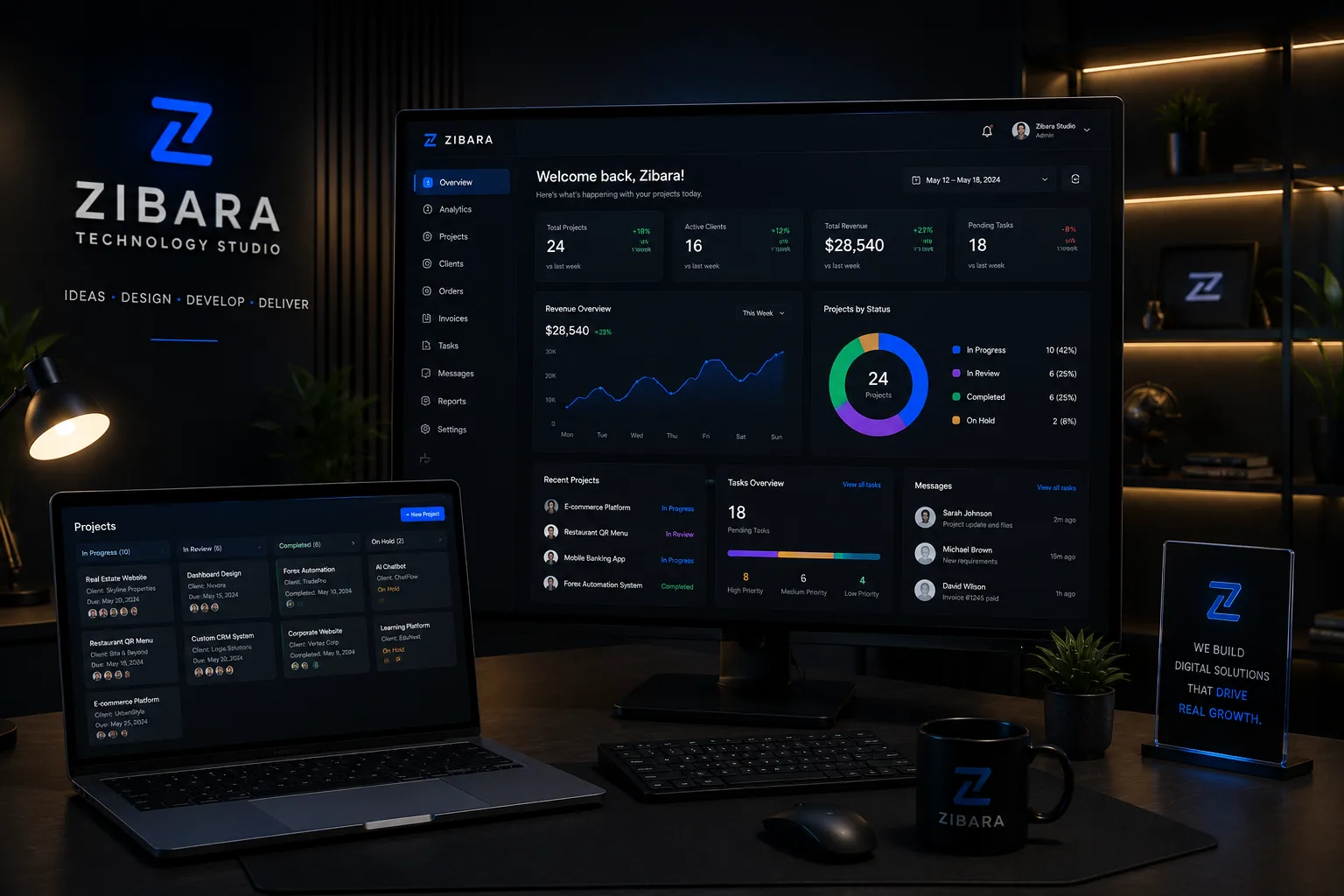
The problem is usually not the spreadsheet itself
Spreadsheets can be excellent tools. The warning signs appear when information is copied between several files, permissions are unclear, staff cannot see the latest status and managers depend on manual summaries to understand operations.
Custom software becomes useful when a repeated workflow has enough volume, value or risk to justify one controlled system.
Common signs that the business has outgrown its tools
The strongest cases are not based on wanting a modern dashboard. They are based on measurable delays, duplicated work, missed follow-up, reporting problems or costly mistakes.
- The same data is entered more than once
- Customer or order status is hard to trace
- Reports require manual cleanup every week
- Different staff need controlled access to the same records
- Existing software cannot represent the real workflow
Document the workflow before discussing screens
Write down who starts each task, what information is required, how status changes, who approves, what can go wrong and what management needs to measure. This becomes the foundation for roles, data and modules.
A list of screens without the workflow behind them usually produces a system that looks complete but fails in daily use.
Release the highest-value module first
A phased release lets the team use and evaluate essential functions before more modules are built. It reduces the risk of recreating every old habit inside expensive new software.
A good digital decision starts with a clear goal and a realistic scope; technology should serve that goal.