The QR code is only the doorway
The printed QR code contains a link. The quality of the experience depends on what opens after the scan. A PDF may be quick to launch, but it often forces guests to zoom, scroll sideways and wait for a large file.
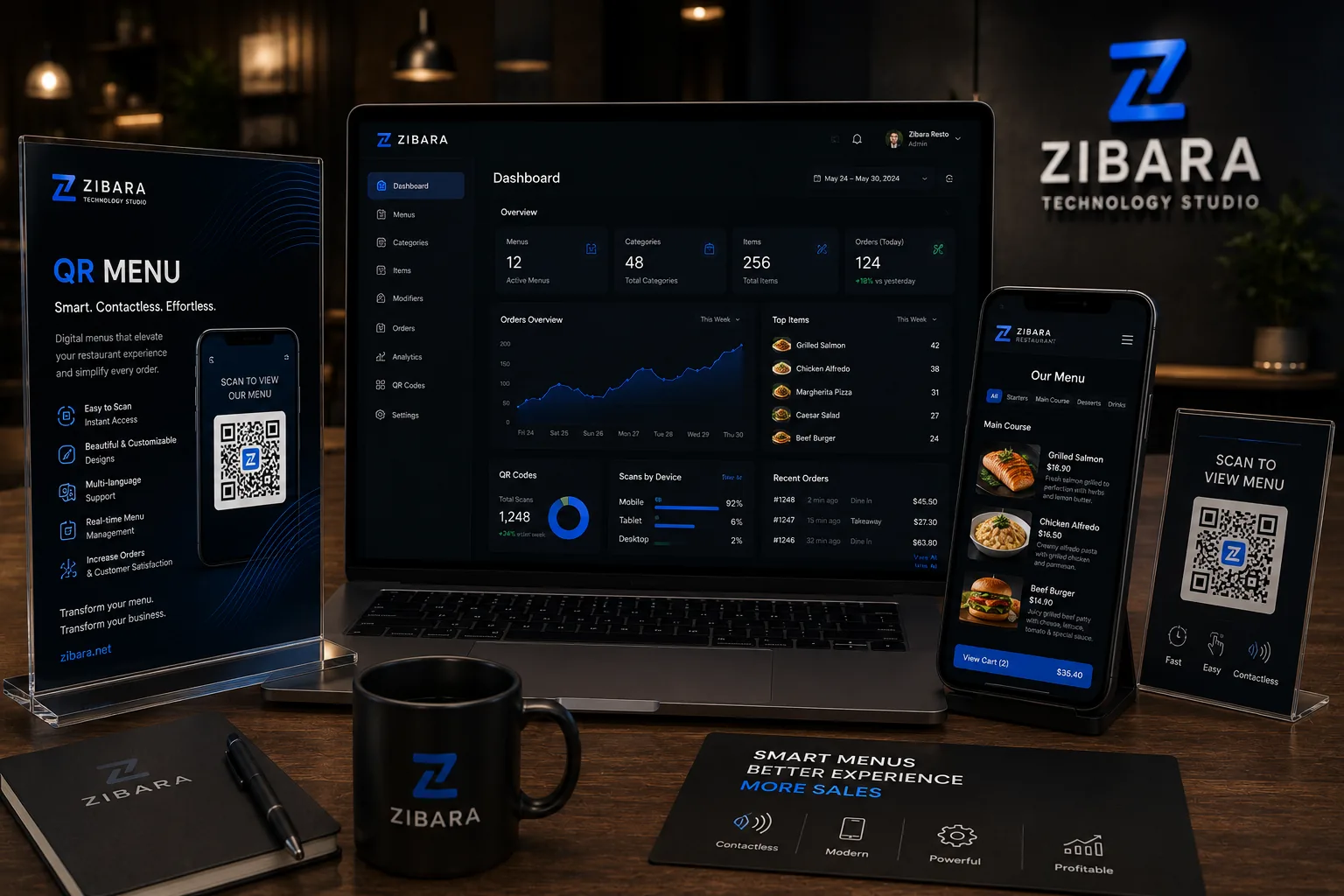
A real digital menu is a mobile website. It can show categories, item details, photos, prices, languages, availability and ordering actions in a layout designed for a phone.
Features that matter in daily operation
Restaurants change prices, remove unavailable dishes and promote seasonal items. The management process should be simple enough for the team to update common information without calling a developer every time.
- Fast loading and readable typography
- Clear categories and search
- Arabic, English and optional extra languages
- Prices, options, allergens and availability
- Branch-specific links when needed
Ordering can be added in different ways
A small café may only need a button that sends a structured selection to WhatsApp. A busy restaurant may need table ordering, kitchen status and payment. The technology should match the operation rather than copying a feature list from another business.
It is often sensible to begin with a clean menu and add ordering after staff and guests are comfortable with the digital flow.
Plan the printed materials carefully
The same stable URL should remain active so printed table cards do not need replacement after every content update. Test the code on different phones and under real restaurant lighting before printing a large quantity.
A good digital decision starts with a clear goal and a realistic scope; technology should serve that goal.